
01
SMPP
A direct, stable connection.
Especially effective for sending large volumes of SMS quickly and steadily.
Used for: OTP, transactional
A direct connection to every mobile operator
Allmobile operators
100%coverage
1channel to every number
How delivery works
Each number reaches the right operator by its prefix.
If a route goes down, the message is sent through another provider.
No intermediaries: fast delivery, no extra cost.
Shows correctly, with no transit risk.
We register it: free, in 1–2 business days.
Already have one? We use your existing name.
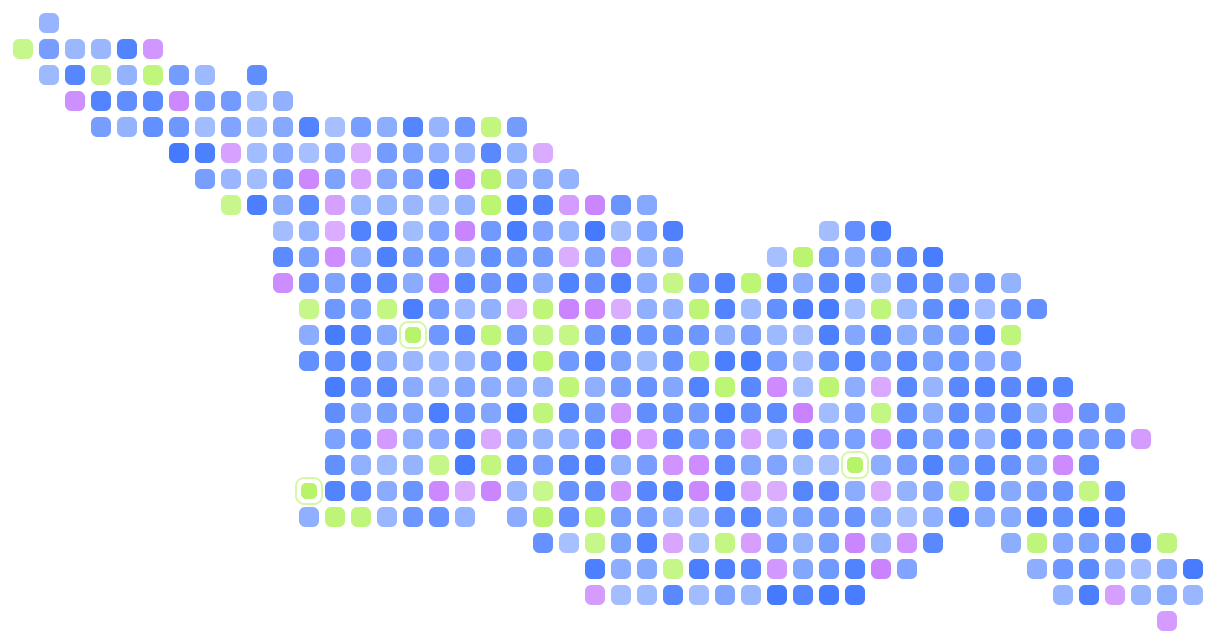
Coverage in up to 240 countries worldwide, through 7 international providers, with failover between routes
Coverage: Europe, Asia, the Middle East, Africa and the Americas
240countries in our coverage, already live
7international providers, with route failover
1partner and integration for every market
What you get
Your sender name registered in every country
SMS and WhatsApp in every market, priced by country
Failover between routes for stable delivery
A one-time code that confirms a customer’s identity and protects important actions.
Used for:
TNET Connect
SMS
The SMS Gateway connects your business systems to the SMS channel, so messages reach your customers automatically. There are two ways to connect:
A direct, stable connection.
Especially effective for sending large volumes of SMS quickly and steadily.
A simple, flexible connection.
Sends an SMS for each individual request. Convenient for marketing messages and for one-off or bulk campaigns.
Your system
TNET SMS Gateway
Receives and sends
Mobile operator
Customer
SMS OFF lets anyone who receives your marketing SMS easily opt out of future messages
Where an opt-out goes depends on the short number
Opt-outs come straight to you
If you already have a short number, e.g. NO-9090
Opt-out path

Opt-outs come to us, and we pass them on
If you don’t have your own short number, use ours
Opt-out path
Every international SMS takes one of two paths, depending on the sender name you choose
Option 01
Your SMS goes out today, with no registration.
What your customer sees
verify
now
Your code: 482106
Option 02
We register it with the operators in every country.
What your customer sees
YourBrand
now
Your code: 482106
How to start
Start with “verify”, then switch to your brand’s sender name once it is registered.
WhatsApp runs alongside SMS: start today, or under your brand name in 2 weeks
You can send OTP messages today under this sender name. No registration needed.
What it includes
We register your brand’s sender name and message templates with Meta. After that, every message goes out under your sender name.
What it includes
Also
Rates by country
We handle registration with Meta